BlockSite Review 2026: The Free Website Blocker With a Catch
It's free, it's popular, and searches for it are climbing fast. But most reviews miss the part that matters most before you commit.
"I just need something to block Reddit during work hours." If you've ever said this to yourself, BlockSite probably showed up in your search results within the first few seconds. It's one of the most-installed Chrome extensions for website blocking, it's free to start, and the setup takes about ninety seconds. On paper it's the frictionless answer to a very specific problem.
Whether it actually solves that problem depends on what kind of person you are when you're bored and have twenty browser tabs open. BlockSite is a good tool used badly by most of its users — not because of bad design, but because of a structural limitation that the marketing page buries in fine print.
BlockSite is a browser extension and Android app that blocks specific websites and apps during times you define. It uses a URL blocklist that you configure, prevents you from opening those sites in the browser where the extension is installed, and offers scheduling so Reddit goes dark from 9am to 5pm without you having to remember to turn it on. That's the core product. At the free tier, it works. At the premium tier ($4–8/month), it gets significantly more capable.
What BlockSite Actually Does Well
The setup experience is genuinely smooth. You add the Chrome extension, type in the URLs you want blocked — reddit.com, twitter.com, youtube.com, whatever — and they're blocked immediately. No account required for basic use. No configuration maze. The blocked page shows a clean redirect screen that you can customize (some people put a motivational quote there; others leave it blank).
Scheduling is where BlockSite earns its reputation. You can define work hours, and every site on your list becomes inaccessible during those windows without you having to think about it again. This matters because the most common failure mode in self-discipline tools is the requirement to remember to use them. Anything that runs automatically eliminates that failure point.
The Android app adds mobile website blocking within the Chrome mobile browser and a limited app-blocking function. It integrates with Android's accessibility services to intercept app launches — a common approach among Android blockers, though one that comes with its own tradeoffs.
At the free tier, BlockSite is supported by ads. They appear on the blocked page redirect screens — a mild but present irony: you're trying to avoid distraction, and the distraction-blocking page serves you advertising. Premium removes ads and adds cross-device sync, password protection to prevent disabling the extension under pressure, and a focus mode timer (Pomodoro-style sessions).
The Catch: It Only Blocks Where It Lives
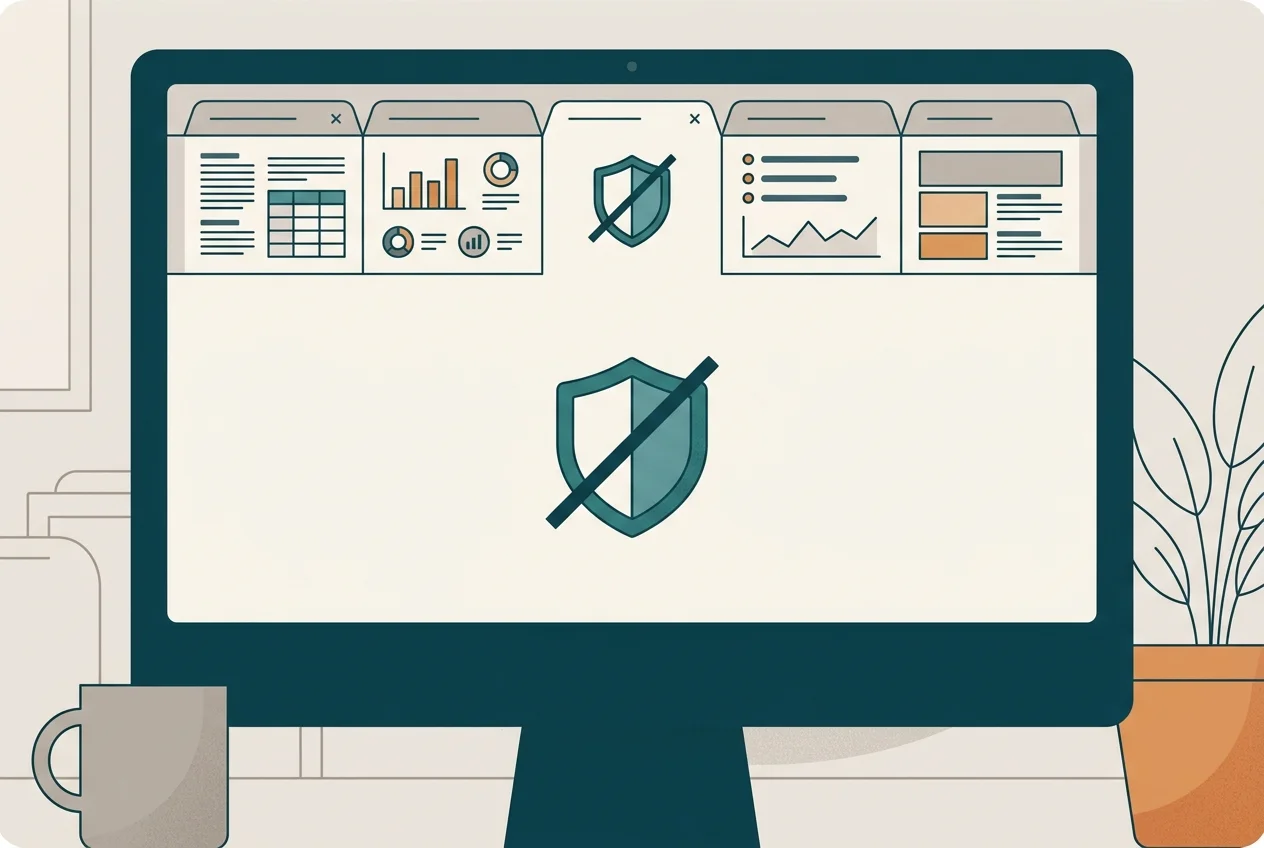
Here's what most reviews gloss over. BlockSite is a Chrome extension. It lives in Chrome. If you open Safari, Firefox, or Edge, it doesn't exist. If you open an incognito window in Chrome (and the extension isn't explicitly enabled for incognito), it doesn't exist there either. If you're sufficiently motivated to open Reddit, you have a frictionless bypass available to you at all times.
This is the structural ceiling of browser-extension-based blocking. It's not a bug — it's the fundamental limitation of the category. BlockSite can't reach outside its own sandbox. And for users with genuine compulsive distraction patterns, that sandbox is permeable enough to be somewhat irrelevant.
Research on variable-ratio reinforcement shows that the urge to check a blocked site doesn't disappear when the site is blocked — it often intensifies, the same way a slot machine player pulls faster after a losing streak. If the impulse is strong enough, a workaround that takes one browser switch and fifteen seconds will get used. BlockSite works best for people who need a nudge, not a wall — people whose distraction is habitual but not compulsive.
For stronger blocking at the system level — one that can't be bypassed by opening a different browser — tools like Cold Turkey Blocker operate at the network/OS level and are significantly harder to circumvent. They're also significantly less forgiving if you change your mind.
BlockSite vs. Your Other Options
If your distraction problem lives primarily in a desktop web browser and you're a Chrome user, BlockSite is a reasonable free starting point. The scheduling feature alone makes it more useful than manual willpower, and the setup cost is low enough that you lose nothing by trying it.
If your distraction problem is mobile — Instagram, TikTok, YouTube Shorts — BlockSite doesn't address it. Those are apps, not websites, and they're running on iOS where BlockSite has no presence. This is where the landscape of iPhone app blockers matters more. Apple's Screen Time feature provides native app blocking, but it's bypassable with a passcode; third-party solutions add their own friction layers on top.
One worth naming directly: Sip & Scroll takes the opposite philosophical approach from BlockSite. Where BlockSite locks the door, Sip & Scroll installs a ritual at the threshold. Before you can open Instagram, TikTok, or YouTube Shorts, you take a sip of water and snap a selfie proving it — and then you get 45 minutes of intentional, unblocked access. The bet is that the two-second pause is enough for your prefrontal cortex to register a choice rather than a reflex, without the resentment of a hard lockout.
The two tools aren't competing so much as addressing different access patterns. Behavioral research on technology design suggests that friction reduces compulsive engagement far more than outright prohibition, which often triggers reactance — the psychological push to do the forbidden thing precisely because it's forbidden. BlockSite is prohibition. Sip & Scroll is friction. Depending on your psychology, one of these will land significantly better than the other.
Who Should Use BlockSite
BlockSite is the right tool if you meet most of these conditions:
- Your primary distraction happens in a desktop browser, not a mobile app
- You're a Chrome user and don't routinely use other browsers
- Your distraction is habitual rather than compulsive — you'd benefit from a reminder, not a cage
- You want something free that you can set up in under two minutes
- You don't need cross-device sync (or you're willing to pay for premium)
If you're an iPhone user whose distraction is primarily app-based, BlockSite adds almost nothing to your situation. You'd be better served by iOS-native solutions — either Apple's built-in Screen Time restrictions or a dedicated iOS app blocker that understands how the App Store ecosystem works.
What BlockSite gets right is the insight that the problem is structural, not motivational. University of Texas research found that mere phone presence drains cognitive capacity even when the phone is face-down and silent — proximity to distraction is cognitively expensive whether or not you engage with it. Adding a structural barrier, even a modest one, reduces that cognitive tax and leaves more resources for the work you're trying to do.
The honest verdict: BlockSite is a solid free tool for a specific user profile. For everyone else — especially iPhone users dealing with app-based scrolling — it sits in an adjacent category from what you actually need. Know which problem you're solving before you install it.
iPhone user? Friction beats blocking.
Sip & Scroll adds a sip-of-water ritual before TikTok, Instagram, and YouTube Shorts — without locking you out entirely.
Download Sip & Scroll Free