Brick App Review: Does the $59 NFC Phone Blocker Actually Work?
An honest look at the viral hardware solution for phone addiction — what the physical friction actually changes, and where it stops working.
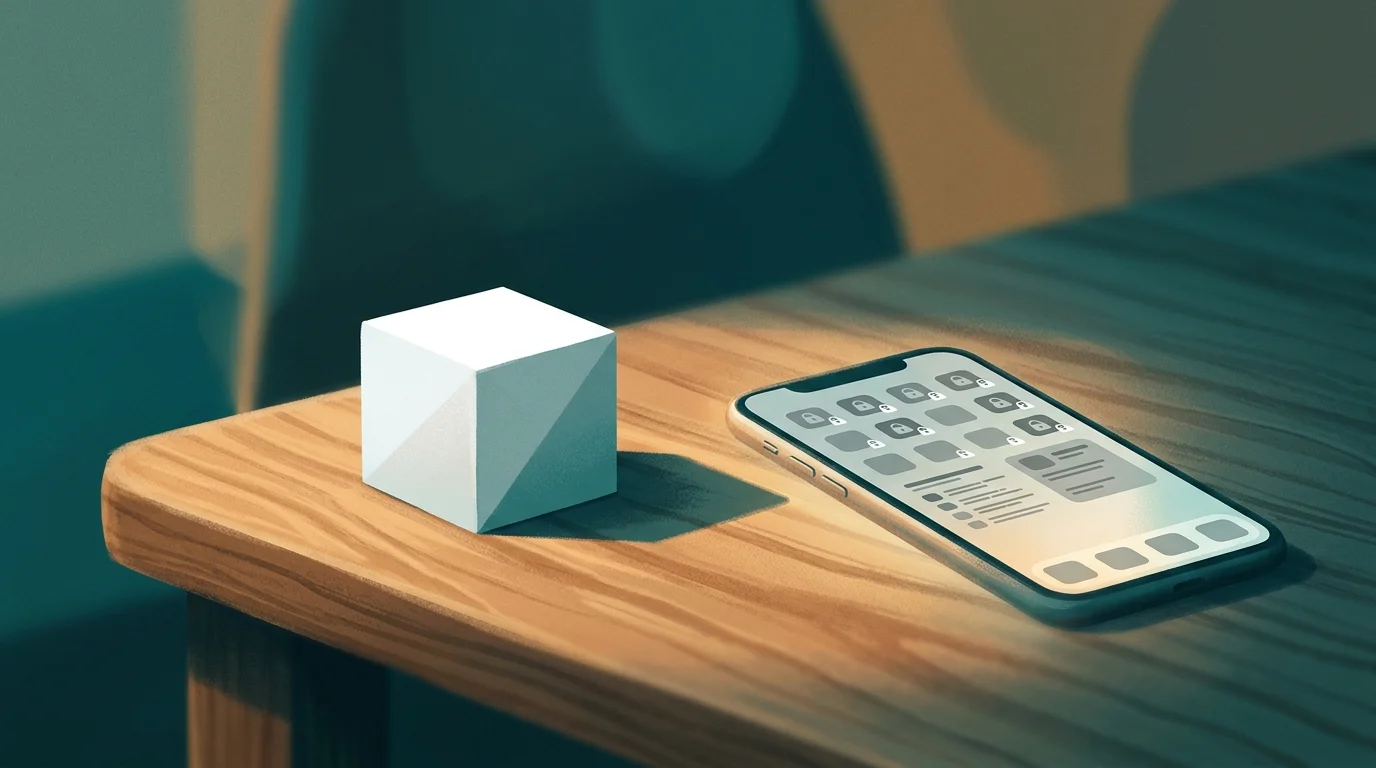
Suppose someone offered to solve your phone addiction problem with a small plastic cube. No subscription, no algorithm, no behavioral nudges delivered via push notification. Just a $59 piece of hardware you place across the room — and the rule that you can't use Instagram until you walk over and tap it. You'd probably find that slightly absurd. You might also find yourself ordering one at 11 pm.
That's the Brick. And that tension — between "this seems ridiculous" and "this might actually work" — is exactly what makes it worth examining carefully.
The Brick app is a physical NFC device that pairs with a free iOS and Android app to block your selected apps until you physically tap your phone against the Brick to unlock them. Founded in 2023 by two University of Wisconsin-Madison students, it's since amassed over 35,000 five-star reviews and been featured by the New York Times, CNN, and Vogue. The core premise: when you turn your digital self-control problem into a spatial one, it becomes dramatically harder to fail impulsively.
What Is the Brick App and How Does It Work?
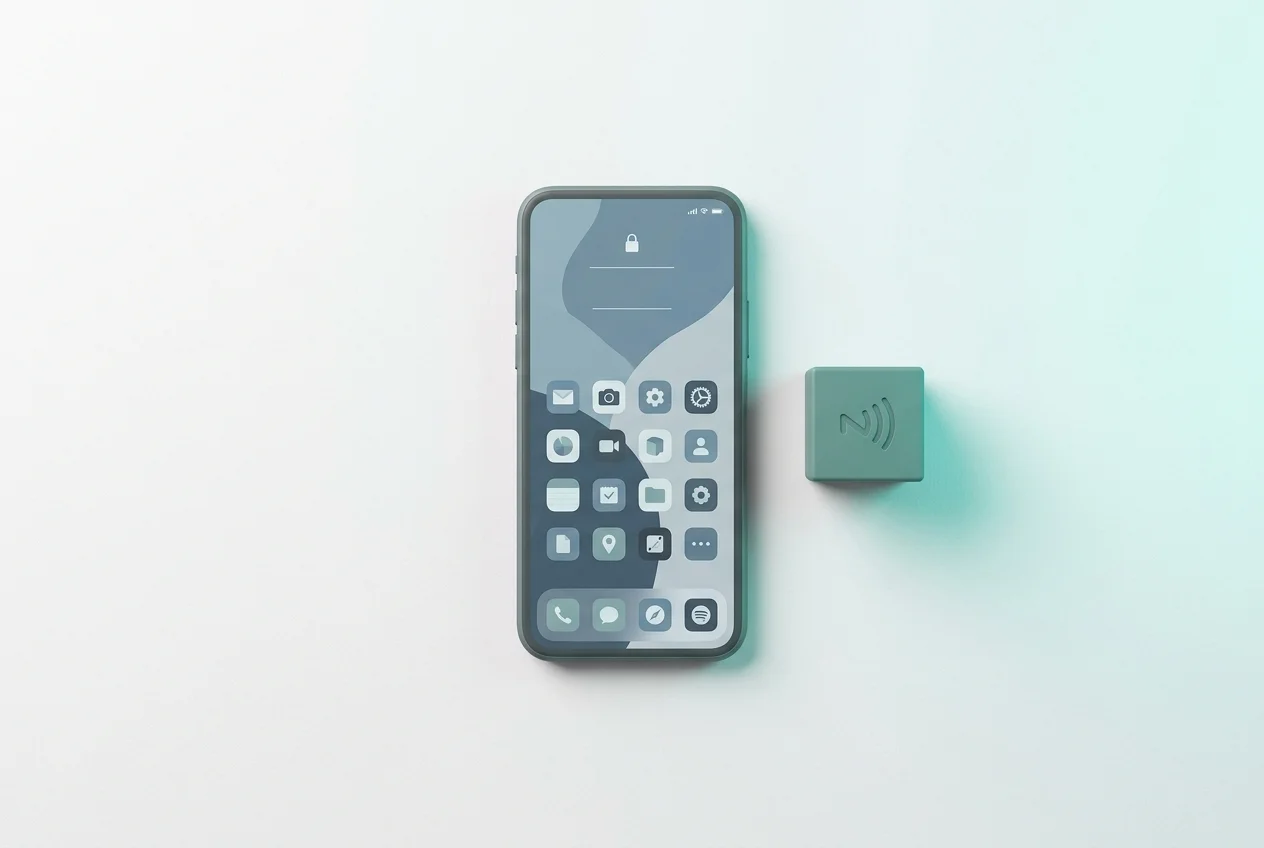
The setup takes about five minutes. You download the free Brick app, tap your iPhone against the physical device to pair it, then select which apps you want blocked — TikTok, Instagram, Twitter, anything that pulls you in. Once Brick is active, those apps are inaccessible. Not "you'll get a warning popup" inaccessible. Not "hit Ignore Limit" inaccessible. Actually inaccessible, via iOS's Screen Time API.
To unblock them, you have to tap your phone against the Brick again. That's it. That's the entire mechanism.
But the location of the Brick is everything. Most users place it somewhere deliberate — on a bookshelf in another room, in a desk drawer, in the kitchen. The goal is to add enough physical distance between you and the unblock action that your brain has time to register a choice rather than executing a reflex. You're not fighting your impulse. You're just making it slightly more inconvenient to act on it — and that gap is where behavioral change lives.
The device itself is a passive NFC tag, meaning it doesn't need charging or a battery. It's a small plastic cube roughly two inches across. Compatible with iOS 17.0 and later. One-time cost of $59 — no subscriptions, no monthly fees. And if you absolutely need emergency access, you get five "emergency unbricks" before you have to contact Brick's support team to replenish them.
The Science Behind Physical Friction
Behavioral scientists have a name for what Brick is doing. It's called a commitment device — a pre-made decision that restricts your future options in order to protect your future self from your future impulsiveness. The logic is straightforward: the version of you at 11 pm who desperately wants to open TikTok is not the version of you who decided to put the Brick in another room. By making the current-you answer to the past-you's better judgment, you've created a system that doesn't rely on willpower at all.
The research supports this. A randomized controlled trial on nudge-based phone interventions found that even mild behavioral friction reduced daily screen time by more than an hour — and only 1% of participants in friction-based intervention groups showed worsening outcomes, compared to 23% in control groups. Physical friction, it turns out, is categorically more effective than digital willpower.
This is the same principle behind why Cold Turkey's nuclear-option blocking works for some people — not because harsh restrictions are inherently better, but because commitment architecture works. Once the decision to block is made, the impulsive self has no leverage. The app blocker market is full of options that give your impulsive self an escape hatch. Brick is notable precisely because it doesn't.
What We Like About Brick
The bypass problem is real, and Brick solves it better than most. Nearly every software-only app blocker — from Apple's built-in Screen Time to third-party alternatives — can be circumvented by a motivated user. You can disable notifications, delete the app, switch to airplane mode, or just hit "Ignore Limit." Your 11 pm self knows all these exits.
Brick removes most of them. The combination of the iOS Screen Time API (which blocks at the OS level) and Strict Mode (which prevents changes to Screen Time settings without the Brick) creates a system that's genuinely hard to bypass without deliberate effort. You'd have to walk over to the Brick anyway — which is exactly the friction point.
No subscription is a genuine competitive advantage. Most serious blockers — Opal, Freedom, Screen Zen — run $5 to $7 a month. At $59 once, Brick pays for itself in under a year compared to almost any subscription alternative.
And the social proof, for what it's worth, is real. 35,000+ five-star reviews isn't manufactured. Reddit threads on r/nosurf and r/digitalminimalism are full of people saying it was the only thing that worked after everything else failed.
Where Brick Falls Short
The five emergency unbricks are a hard limit. Most users don't burn through them quickly — but when you do need one urgently (your Brick is at home and you're stuck waiting for a doctor's appointment), the friction stops being useful and becomes frustrating. Replenishment requires emailing support. There's no in-app purchase option for more.
It requires an internet connection to function. No signal, no Brick. For digital minimalists who are also trying to reduce their reliance on connectivity, this is a genuine constraint.
The $59 price point is a real barrier. If the Brick doesn't work for you — if your particular flavor of phone compulsion turns out to be cleverer than a plastic cube — you're out $59. There is a 30-day trial with returns, which helps. But "I might spend $59 and still fail" is a legitimate hesitation for a lot of people.
And then there's the harder issue: Brick solves the access problem, but not the why. If you're reaching for your phone because you're anxious, bored, or avoiding something uncomfortable, adding physical friction removes the behavior without addressing its root. Some users report simply finding other ways to self-soothe once their apps are blocked — a different kind of scroll, a different kind of avoidance. The architecture improves, but the underlying pattern doesn't always shift. Understanding the dopamine mechanics driving the compulsion is a useful companion to whatever blocking system you choose.
Sip & Scroll: Friction Without the Hardware

If Brick is a hard lock, Sip & Scroll is a ritual gate. Same behavioral principle — friction before access — implemented as a physical act rather than a physical device.
Here's how it works: when you try to open a blocked app, Sip & Scroll prompts you to take a sip of water and snap a quick selfie to confirm. After that, you get up to 45 minutes of unblocked access. The session ends. If you want more, you do it again — another sip, another selfie, another 45 minutes. The repetition creates a rhythm. The rhythm creates a ritual. The ritual replaces the reflex.
What makes this approach different from Brick isn't just the price (Sip & Scroll is free). It's the philosophy. Brick says "you can't access this until you go get the key." Sip & Scroll says "you can access this — after a pause that turns a reflex into a choice." One restricts. The other transforms. Both create the behavioral gap that makes change possible.
The hydration mechanic is genuinely clever, not just as a wellness tie-in. The act of drinking water — physically interrupting whatever you were doing to do something real and embodied — is a different quality of pause than walking across a room. It's harder to automate. Your phone can't verify the Brick tap without you being there; Sip & Scroll's selfie verification means the pause is actually performed, not just technically satisfied.
Sip & Scroll is best for people who want to scroll more intentionally, not people who want to stop completely. If your goal is full abstinence from a specific app, Brick's hard block is probably more aligned with your intention. If your goal is to break the mindless-autopilot loop while keeping access to apps you actually enjoy, Sip & Scroll is designed precisely for that.
Brick vs. Sip & Scroll: Which One Should You Use?
Choose Brick if you need a hard stop — if you've failed repeatedly with softer interventions, if the problem is compulsive reopening rather than just mindless sessions, or if you're willing to invest $59 in commitment architecture that genuinely can't be bypassed without effort. It's the right tool for people who know they'll rationalize their way around anything with an escape hatch.
Choose Sip & Scroll if you're looking for a friction-based approach that doesn't require hardware, works well for reducing session length and frequency rather than total blockout, and carries zero financial risk. The app is free, the friction is real, and the hydration habit is a genuinely useful byproduct. It also doesn't stop working when you're offline.
Consider using both. Sip & Scroll for day-to-day intentional use. Brick for specific high-risk periods — exam week, a project deadline, the first hour of your morning when the phone compulsion is strongest. The two approaches aren't competing. They're different points on the same spectrum of designed friction.
The deeper point, whether you choose hardware or ritual, is this: you cannot out-willpower a system that was engineered by behavioral scientists to keep you in it. The fix isn't trying harder. The fix is architecture — a system that makes the mindless behavior harder, and the intentional behavior easier. Brick builds that architecture in plastic. Sip & Scroll builds it in habit. Both are worth knowing about. One costs $59 and lives on your bookshelf. The other is free and lives in the fifteen seconds before you start scrolling.
This article is part of our series on app blockers and screen time tools. For the full picture, see our guide: 7 Best App Blockers for iPhone.
Try friction before you buy hardware
Sip & Scroll adds a ritual pause before every scroll session — for free. A sip of water, a quick selfie, then 45 minutes of unblocked access.
Download Sip & Scroll — Free