Apple's Screen Time API Won't Break Your Phone Habit — Here's What Will
Apple gave developers more powerful tools than ever to block apps and track usage. The hard limit still isn't the problem.
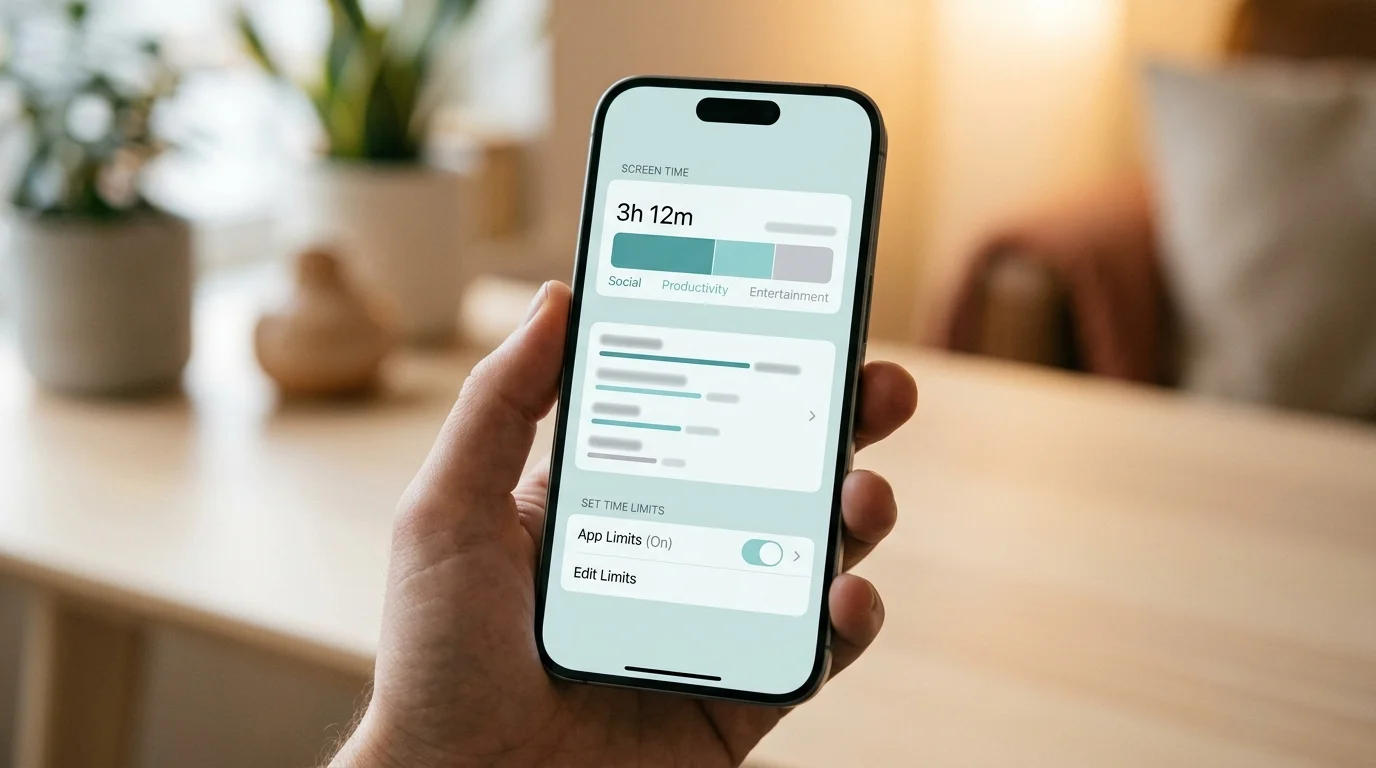
"I just need to be stricter with Screen Time." Most people who've tried to reduce their phone use have said this — or something like it. You set a limit. One hour of Instagram. Forty-five minutes of TikTok. You even set a passcode so you can't override it at 11pm. Then the limit hits. You tap "Ignore Limit" or you go into Settings and change the passcode you set yesterday when you had more resolve. Twenty minutes later, you're still on TikTok, which is fine because you deserve a break and you'll actually be strict starting tomorrow.
The problem isn't the limit. The problem is who controls it. And no amount of API sophistication changes that.
Apple's Screen Time API — technically a suite of frameworks called FamilyControls, ManagedSettings, and DeviceActivity — is genuinely powerful. Since Apple opened it to third-party developers in iOS 15 and expanded individual user access in iOS 16, it's enabled a new generation of digital wellness apps to build far more sophisticated restrictions than anything that existed before. But the debate over whether screen time limits can actually change behavior has less to do with the API's capabilities and more to do with the psychology of how habits form and break.
What the Screen Time API Actually Enables

The three frameworks each handle a different layer of control. FamilyControls handles authorization — it's how an app asks for permission to manage your device activity, and what lets you select which specific apps, categories, or websites get managed. ManagedSettings is the enforcement layer — it's what actually prevents access once a rule is triggered. DeviceActivity handles scheduling — it defines when restrictions turn on and off, and can fire callbacks when usage thresholds are reached.
Before this API existed, third-party apps had no legitimate way to restrict other apps on iOS. You had Shortcuts automations, awkward Screen Time profiles, and hacky workarounds that Apple regularly broke with OS updates. The Screen Time API changed that. Now a developer can build something that monitors your TikTok usage, fires a notification at thirty minutes, and blocks the app at forty-five — all with proper system-level enforcement, all without requiring a jailbreak.
This is why the app blocker landscape for iPhone changed so dramatically around 2022. Apps like Opal, ScreenZen, Canopy, and others were suddenly able to build what desktop blockers had offered for years. The tools caught up. The behavioral results, though, are more complicated.
The Limits Apple Built In (And Didn't)
There's a structural tension in the Screen Time API that Apple hasn't resolved: the same person being restricted is, in most cases, the person who authorized the restriction. An adult user can grant a third-party app control over their TikTok usage — and then, in a weaker moment, revoke that access through Settings in about thirty seconds. The API enforces whatever rules are active. It can't enforce that the rules stay active.
Hard blocks that the user can override with sufficient motivation aren't really blocks — they're inconveniences with extra steps. And for habit-driven behaviors that trigger in moments of low willpower, "inconvenient but accessible" is roughly the same as "accessible." You're not thinking clearly when the reflex fires. You're not thinking much at all. The decision to override the limit happens faster than you can evaluate it.
The one exception is accountability-based blocking — where someone else holds the passcode. Apps like Opal offer "locked sessions" where you commit in advance and need external help to break the block. That structure works because it adds a social friction layer: the effort of asking someone to let you out is higher than the reward of five more minutes of Instagram. But this approach requires a willing partner, and it doesn't scale to the dozens of micro-interruptions that fragment a typical work day.
The Problem That Isn't a Settings Problem
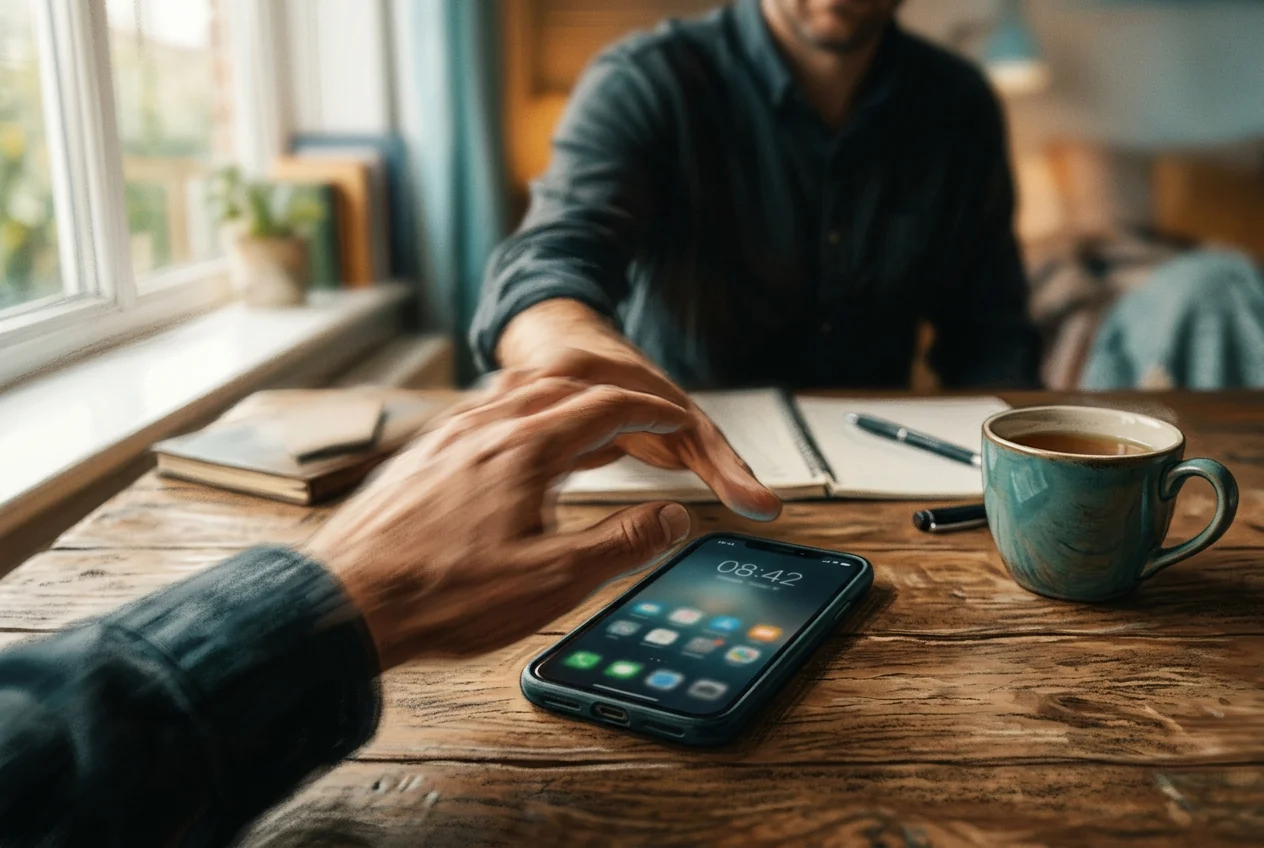
Here's the piece the Screen Time API can't touch: the reach happens before the decision.
Research from the University of Texas found that the mere presence of a smartphone reduces available cognitive capacity — even when the phone is face-down, even when it's powered off. Your brain allocates processing resources to managing the pull of the device just by knowing it's there. That pull doesn't diminish because your app is blocked. The phone is still on the desk. The habit loop is still running.
The behavioral loop underneath scrolling isn't about access — it's about prediction. Psychologists call it variable-ratio reinforcement: the same mechanism that makes slot machines the most addictive form of gambling. You don't know if the next swipe will show you something boring or something that makes your day. That unpredictability is the engine. Blocking the app removes the behavior, but it doesn't touch the engine. The moment the block lifts, the engine is still running at exactly the speed it was when you blocked it — and often faster, because the restriction created a rebound craving.
This is why most people who go cold turkey on an app come back to it within days. And why Screen Time limits that reset every week tend to stay at exactly the same level week after week without any downward trend. The limit isn't changing the behavior. It's just capping the daily expression of it.
What Good API Implementation Actually Looks Like
The Screen Time API is a tool. Whether it produces lasting behavior change depends entirely on the theory of change built into the app using it.
Hard limits — block for two hours per day, done — address access. That's useful in specific contexts: keeping kids off devices during dinner, blocking work apps after 6pm when you're done for the day. For time-boxed rules with clear external accountability, hard limits work well.
But for the compulsive, automatic reaching that drives most adult overuse — the thing that happens twelve times a day before you've consciously decided to check your phone — hard limits aren't the right tool. What works there is interruption. A small, physical pause between the reflex and the reward, inserted consistently at the moment the habit loop fires. Not a wall. A speed bump.
That's the design logic behind Sip & Scroll. Rather than blocking TikTok for two hours, it introduces a brief ritual at the exact moment you try to open it: take a sip of water and snap a quick selfie. That ten-second pause is enough to interrupt the automatic behavior and require one small conscious act before access. After the ritual, you get 45 minutes of unblocked use. Another sip to continue, or you close the app. The API is doing exactly what it was built to do — managing access at the system level — but the experience on the other side of it is friction rather than a wall.
The difference matters. Hard blocks create resentment; friction creates awareness. Resentment is what makes you override the block. Awareness is what gradually changes the habit. And the research on physical friction and habit change consistently shows that small interruptions to automatic behavior compound over time in a way that prohibition doesn't.
The Right Question to Ask About Any Screen Time App
The question isn't "does this app use the Screen Time API?" Most of the good ones do. The question is what the app does with it.
Is the goal to make you forget the app exists? That's suppression — effective in the short term, ineffective long-term. Is the goal to charge you every time you override a limit? That's financial friction — works for some, feels punitive to others. Is the goal to make you do one small positive thing before you open an addictive app? That's behavioral friction — the kind that over time converts a mindless reflex into a ritual, and a ritual into a genuine choice.
You cannot out-willpower a system that was engineered to override your prefrontal cortex. The fix isn't a better limit. It's a structural pause — something that gives your brain enough time to notice the reflex before it executes. The Screen Time API makes that technically possible for third-party developers on iPhone. What you choose to build with it, or which app you choose to use, determines whether it actually changes anything.
This article is part of our series on digital minimalism and intentional phone use. For the full picture, see our guide: Digital Minimalism: A Practical Guide.
Friction over force
Sip & Scroll uses Apple's Screen Time API to add a brief pause — not a wall — before your most addictive apps. Take a sip, snap a selfie, get 45 minutes of intentional access.
Download Sip & Scroll — Free